




If you manage your practice’s Facebook page, you’ve probably noticed the @Followers tag option when writing a post. It sounds useful (notify your followers directly!), but like most tools in social media, it works best when used with intention. Use it too often and it becomes noise. Use it at the right moment and it can meaningfully boost your reach and engagement without spending any money.
Here’s what you need to know.
What Does @Followers Actually Do?
When you tag @Followers in a Facebook post from your business page, it sends a notification directly to people who have chosen to follow your page, similar to how tagging a person alerts them. It bypasses the standard algorithm and puts your post directly in front of your audience.
That sounds great on paper, but here’s the catch: it’s a privilege, not a right. Facebook limits how often pages can use it, and followers can opt out of receiving those notifications. Overuse it and you risk training your audience to ignore you, or worse, unfollow you altogether.
When to Use @Followers
Reserve @Followers for posts that are genuinely time-sensitive, high-value, or urgent. Think of it as the equivalent of sending a text instead of an email. It should feel important enough to warrant the interruption.
Good use cases include:
When to Skip It
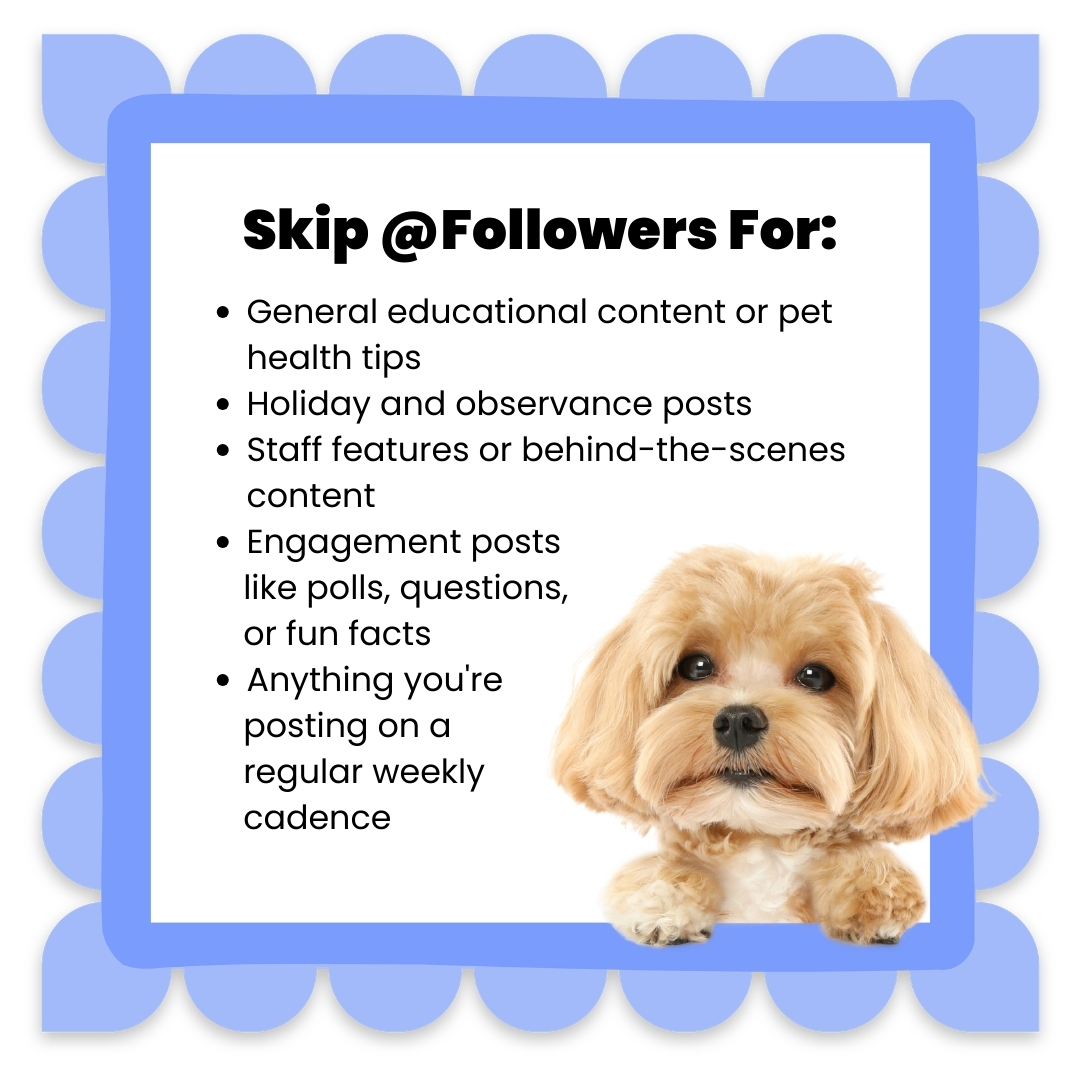
Most of your regular content, no matter how good it is, doesn’t need the @Followers tag. Standard posts about pet care tips, holiday wishes, staff spotlights, and fun engagement content will perform fine through normal distribution. Tagging followers on routine posts is the fastest way to make them feel spammed.
A Few Good Guidelines to Follow
The Bigger Picture
The @Followers tag is one small tool in a much larger social media strategy. The practices that see the best results on Facebook aren’t the ones gaming every feature. They’re the ones showing up consistently with content that genuinely serves their community.
That means a steady mix of education, engagement, personality, and the occasional timely announcement. When your followers trust that you only interrupt them for something worth their attention, those notifications actually get opened.
| 📦 Want a Ready-Made Social Media Strategy for Your Practice? Building a consistent, engaging Facebook presence from scratch is time-consuming, and it shouldn’t fall entirely on your already-busy team. VHA’s Social Media Toolkit is designed specifically for small animal practices. Each month, you’ll get a ready-to-use collection of copy-paste-and-tweak captions covering pet-related observances, major holidays, educational content, and engagement posts, with no less than 3 posts per week, often more. The toolkit comes with professionally designed graphics and a content calendar so you always know what to post and when. It works great on its own, and it works even better when you layer in your own custom content like patient photos and staff moments. It’s the social media backbone your practice deserves. Let’s chat about how to get started! Email Laura at [email protected] |